Will My PC Bottleneck? Complete Guide to Hardware Balance & Resolution
⚡ Quick Answer: Will My PC Bottleneck?
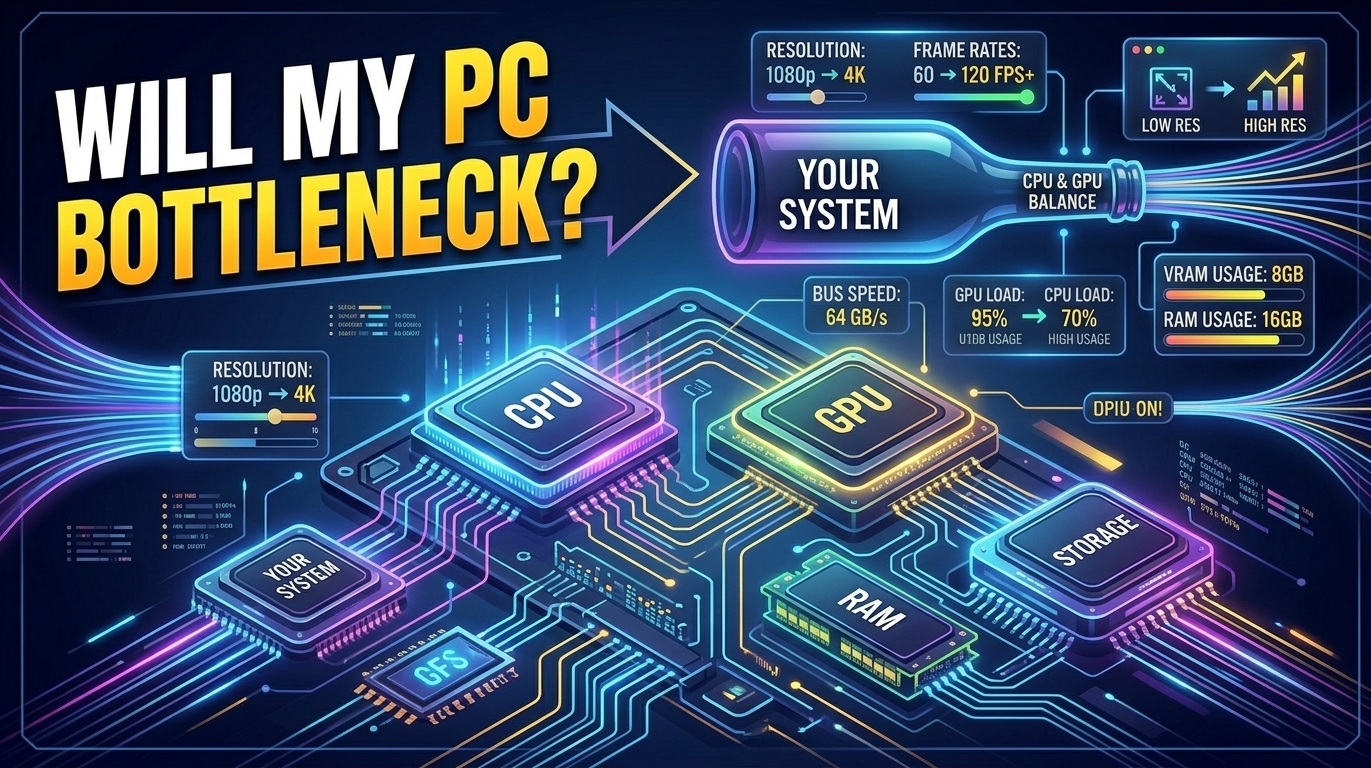
Yes, every PC has a bottleneck under certain conditions. A hardware bottleneck occurs whenever one component (CPU, GPU, or RAM) reaches 100% processing capacity, preventing other components from performing at their maximum speed. At lower resolutions (1080p), the CPU is usually the limiting factor. At higher resolutions (4K), the GPU bears nearly the entire rendering workload. You can instantly evaluate your setup using our free PC Bottleneck Calculator.
Why PC Bottlenecks Are Inevitable in Modern Gaming
Every desktop computer operates as a continuous data transfer highway. When you launch a modern AAA title or eSports game, software calculations are split dynamically between your central processor, graphics card, system memory, and storage drives. Because no system possesses infinite processing throughput across all workloads, one component will naturally limit maximum performance.
The critical goal of custom PC building is not to eliminate bottlenecks entirely—which is physically impossible—but rather to manage where the bottleneck occurs and ensure hardware utilization remains smooth and stable.
AMD Ryzen 7 7800X3D Processor
Features 3D V-Cache technology specifically engineered to prevent CPU bottlenecks at 1080p and 1440p gaming.
How Display Resolution Controls Your Bottleneck
The display resolution you choose alters the hardware load balance dramatically:
- 1080p (1920x1080): High CPU Load. Because 1080p renders only ~2.07 million pixels per frame, modern GPUs complete frame rendering effortlessly. The CPU must rapidly send draw calls, turning fast gaming CPUs into the primary performance key.
- 1440p (2560x1440): Balanced Workload. At ~3.68 million pixels, 1440p provides an ideal equilibrium between CPU frame logic and GPU shader rendering.
- 4K UHD (3840x2160): Heavy GPU Load. Rendering ~8.29 million pixels places immense strain on GPU VRAM and core clocks. Almost all 4K gaming configurations experience a GPU-bound workload.
NVIDIA GeForce RTX 4070 Super
Equipped with 12GB GDDR6X VRAM and DLSS 3 frame generation to overcome high-resolution limits.
Signs That Your PC Has a Severe Hardware Bottleneck
GPU usage drops below 80% while playing games. Game experiences severe 1% low FPS dips and micro-stuttering during intense action scenes.
GPU usage stays consistently between 97% and 99%. Frame delivery remains smooth and predictable without sudden stuttering.
⚡ Test Your System Compatibility Right Now!
Use our professional calculator suite to check bottlenecks, forecast game FPS, or calculate exact PSU wattage requirements.
Frequently Asked Questions (FAQs)
Will a CPU bottleneck lower my overall FPS?
Yes, a CPU bottleneck restricts the maximum frame rate your graphics card can render, causing lower overall FPS and occasional frame drops.
How can I fix a PC bottleneck without buying new hardware?
Increase game resolution, turn up GPU-heavy graphics settings (shadows, textures, ambient occlusion), close background programs, or enable RAM XMP/EXPO profiles.
Does RAM speed cause system bottlenecks?
Yes. Single-channel RAM or low frequency memory chokes the data pipeline between your CPU and GPU, causing low 1% framerate dips.
Is a 5% to 10% bottleneck considered normal?
Yes, anything under 10% is considered a highly balanced configuration for daily gaming and heavy productivity.