PSU Power Bottleneck Explained: How Power Supply Throttles CPU & GPU Performance
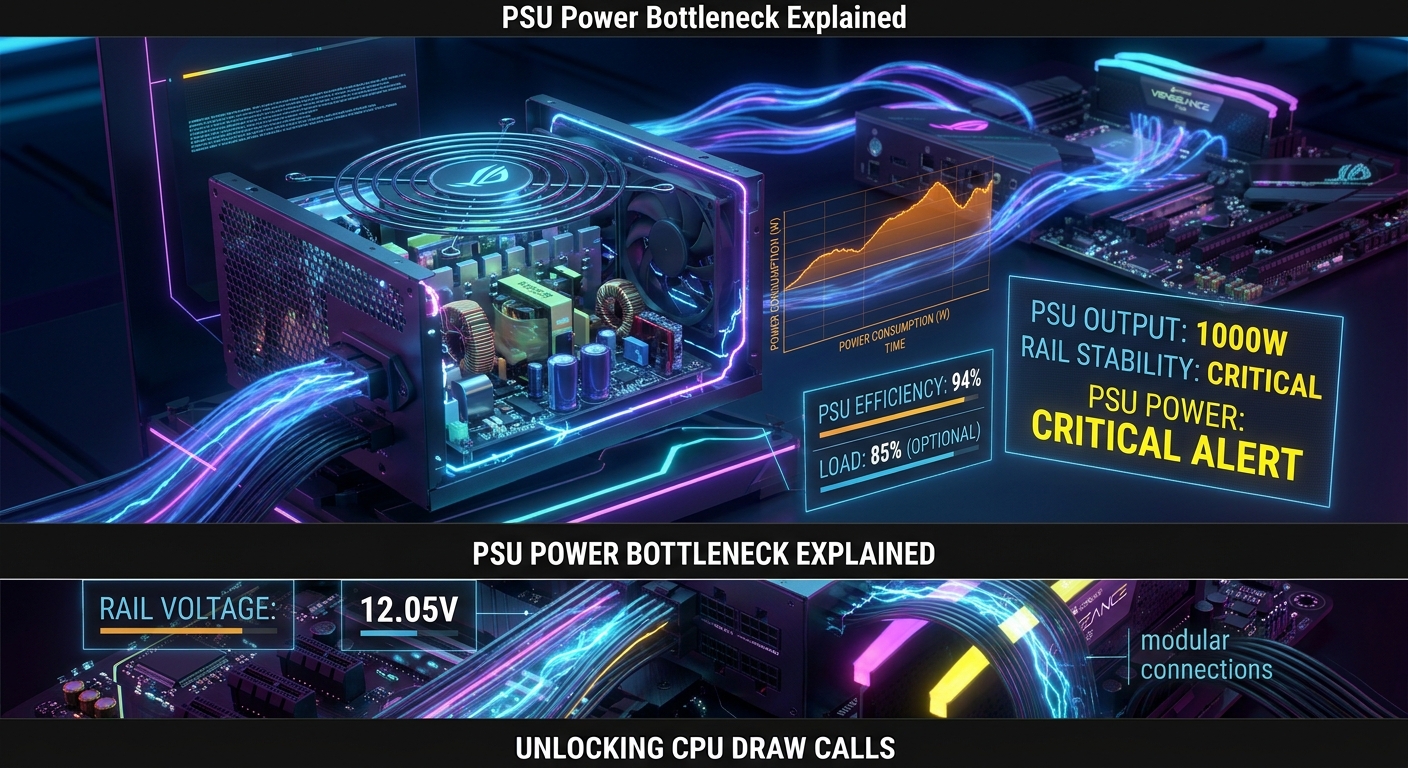
⚡ Quick Summary: Can a Power Supply Bottleneck a PC?
Yes, an inadequate or poor-quality Power Supply Unit (PSU) can severly bottleneck high-performance CPUs and GPUs. When modern hardware experiences power delivery limits or voltage drops on the +12V rail, graphics cards downclock core frequencies (power throttling) or trigger Over Current Protection (OCP), causing game crashes, stuttering, or sudden system shutdowns during heavy load spikes. You can calculate your exact total wattage headroom using our free PSU Power Calculator.
The Forgotten Bottleneck: Clean Power Delivery
When gamers encounter low frame rates or system instability, they often blame processor speeds or memory bandwidth. However, power delivery from your Power Supply Unit (PSU) serves as the core foundation for all hardware performance.
Modern graphics cards and processors utilize dynamic boosting algorithms (NVIDIA GPU Boost, AMD Precision Boost Overdrive). These features push clock speeds to maximum limits only when delivered clean, continuous voltage headroom.
Corsair RM850x 80+ Gold Fully Modular
Features 100% Japanese 105°C capacitors to absorb heavy transient spikes and prevent power throttling.
Understanding Transient Power Spikes in Modern GPUs
High-end GPUs (such as RTX 4080/4090 or RX 7900 XTX) can draw sudden power bursts lasting milliseconds—known as transient power spikes—that exceed TDP ratings by 1.5x to 2x.
If an older or budget power supply cannot regulate these instantaneous millisecond spikes on the +12V rail, the PSU drops voltage output. In response, GPU safety features force clock frequencies down, triggering instant FPS drops or black-screen restarts.
MSI MAG A1000GL PCIE5 1000W
Native PCIe 5.0 12VHPWR connector compliance engineered specifically for high-wattage graphics cards.
Signs Your Power Supply Is Bottlenecking Your Rig
- Power Throttling in Benchmarks: Monitoring software displays "Power Limit Hit" or voltage reliability limits while GPU temperatures remain cool.
- Random Game Crashes to Desktop: System closes games under heavy load scenes without displaying thermal warnings.
- Sudden PC Shut Offs under Load: System powers down entirely during intense gaming due to Over Current Protection (OCP) tripping.
⚡ Test Your System Compatibility Right Now!
Use our professional calculator suite to check bottlenecks, forecast game FPS, or calculate exact PSU wattage requirements.
Frequently Asked Questions (FAQs)
Can a weak PSU lower gaming FPS?
Yes. If a GPU detects unstable rail voltage or power delivery boundaries, it automatically downclocks core frequencies, reducing frame rate output.
How much wattage headroom should I target?
Targeting a 20% to 30% wattage headroom above your total system peak draw ensures optimal efficiency (50-80% load curve) and handles transient spikes safely.
What does an ATX 3.0 rating mean for gaming PSUs?
ATX 3.0 power supplies are engineered to sustain up to 200% transient power spikes for brief moments without tripping safety shutdown limits.